Entra ID
Users, groups, roles, Conditional Access and apps.
For Microsoft 365 and Entra ID admins
IntensiveReports answers admin questions with 300+ ready reports across Entra ID, Exchange Online, Intune, SharePoint, OneDrive, Teams, licensing and security. Reports link straight into the right Microsoft admin portal.


Coverage
More than 300 reports across six areas, from identities and mail to devices, licences and security.
Users, groups, roles, Conditional Access and apps.
Mailboxes, forwarding, mail flow and mail security.
Devices, apps, policies and compliance.
Sites, sharing, owners and storage.
Seats, renewals, overlaps and adoption.
Teams, Defender, Purview, Power Platform and AI agents.
Workload landing pages
Every workload has its own landing page. A few cards sum up what its reports found, so you know where to look before you open a single table.

Home dashboard
One page shows every open finding from every workload. No more hunting through admin portals to decide where to start.


300+ reports, one question each
Every IR report answers one question in plain words. These twelve come up in almost every organisation, from licence renewals to administrators without MFA. Search for your own question to find the rest.
Twelve questions to start with
No report matches. Try a broader word, such as guest, mailbox or licence.
For every team
Licensing, IT operations, security, IT management and audit all need answers from the same Microsoft 365 tenant, and today each of them builds its own exports. With IR every department works from the same reports and the same numbers, each with its own starting point.
Licence and asset management, IT finance
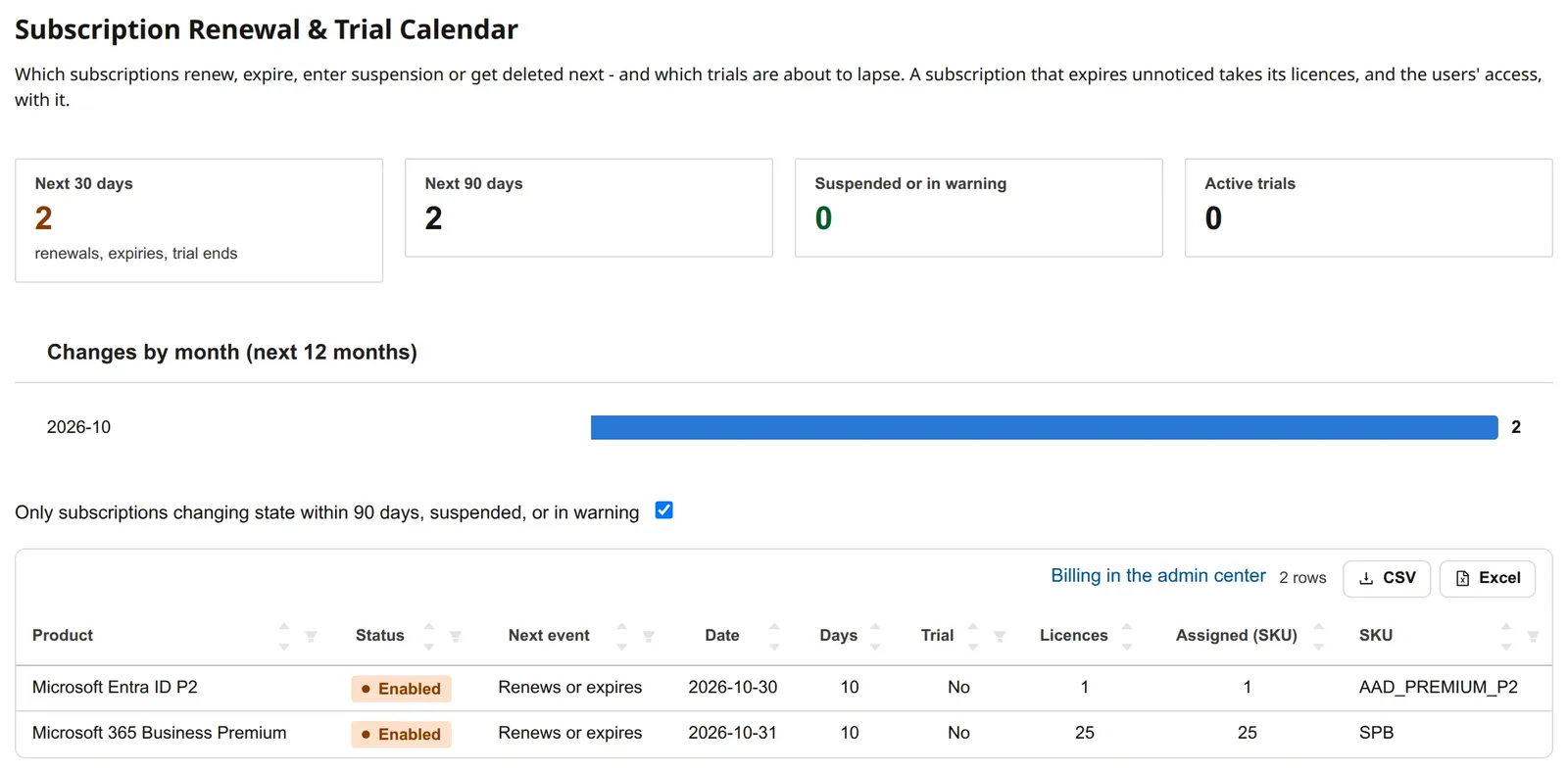
The proof usually lives in five exports and a pivot table. IR puts subscriptions, assignments and sign-in activity side by side, so the list is ready before the renewal meeting.
We walk through the dashboard, the reports for each team and the setup on your server.